
UK mobile casino · Updated October 2026
Rolletto App Mobile Casino Access
Play casino games, live tables, sports and esports from your Android or iOS browser without installing a file.
- Android and iOS browsers
- GBP supported
- 24/7 support
Casino welcome package
150% up to £500 plus 200 free spins
Register, make the qualifying deposit and activate the offer in the Bonuses section.
Play Rolletto On Your Phone
Rolletto runs through your browser rather than a separate download. Open the site in Chrome on Android or Safari on iOS, sign in, and use the mobile interface for games, live tables and the cashier.
Choose login, enter your account details, and continue to the lobby. Use the menu to move between casino, live casino, sports, esports, promotions and your account. Open the cashier when you need to deposit or request a withdrawal.
- No installation file or app store download
- 7,250+ casino games from 78 providers
- Games, live tables and cashier on a mobile screen
- One account for casino, live casino, sports and esports
4.7 Browser access for Android and iOS
On this page7
Rolletto app access without a download
The Rolletto app runs through the mobile website rather than a file installed on your device. Open your browser, enter the site, and use the menu at the top of the screen. The layout works on Android and iOS browsers, keeping essential controls available on a smaller display.
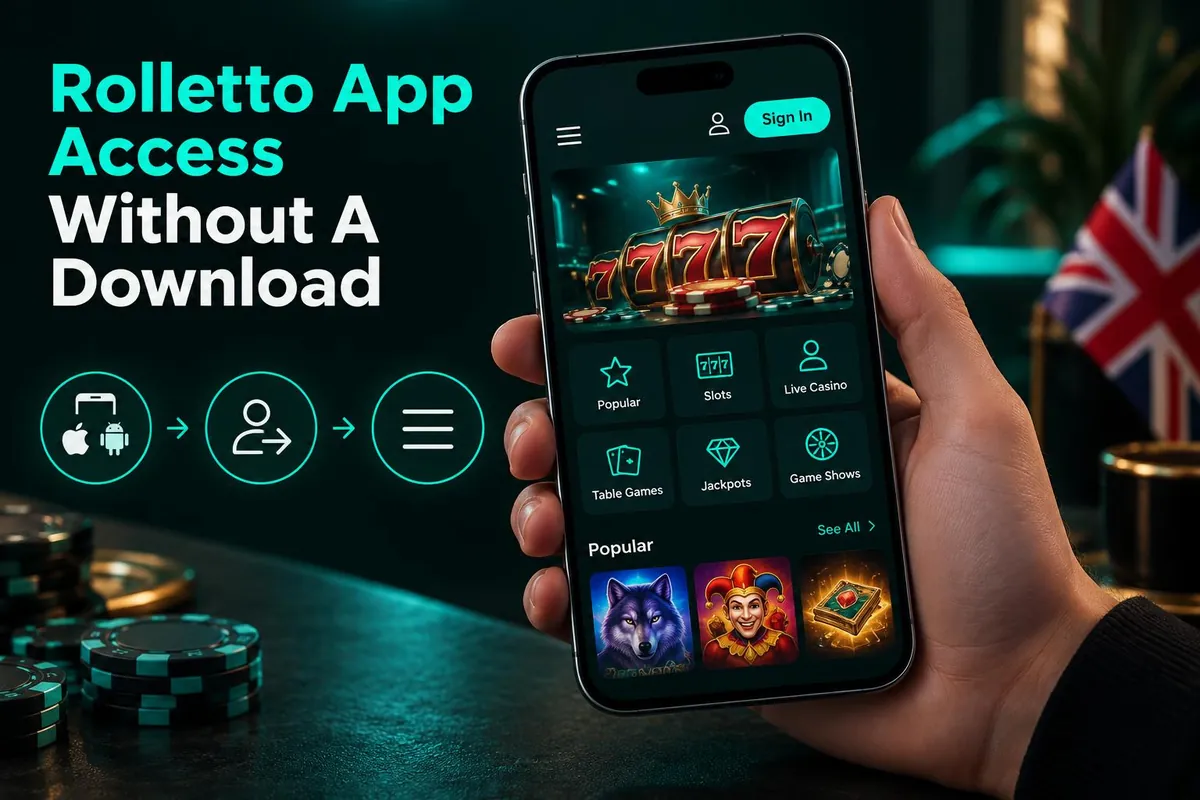
This approach suits UK players who want a direct route from sign-in to a game without managing another application or losing phone storage space.
How to open Rolletto on Android and iOS
On Android, open Chrome or your preferred browser and enter the Rolletto website address. On iOS, open Safari or another iOS browser and load the same site. No APK, app store listing or separate installation step is needed.
For quicker access, add the site to your browser favourites. Keep your browser updated, use a stable connection, and rotate the phone if a game offers a wider table view. The browser format provides the same account features, cashier and lobby as the desktop version.
How to sign in and choose a game
Tap the login option, enter the email address and password linked to your account, then wait for the lobby to load. If the screen feels crowded, close promotional panels before browsing categories.
Use search or the category menu to find slots, roulette, blackjack, baccarat, poker, bingo, jackpots, crash games and table games. Select a title, wait for the game screen, and use the in-game menu to return to the lobby. The same login covers casino, live casino, sports and esports.
Using the mobile menu
Open the menu rather than repeatedly returning to the home page, then select the section you need. This saves navigation steps and keeps your session organised.
- Choose casino for the main game lobby and search function.
- Choose live casino for dealer tables streamed from studios.
- Choose sports or esports for the relevant betting markets.
- Choose cashier for deposits, withdrawals and transaction history.
The browser format delivers all account functions without requiring installation permissions or separate updates. If navigation feels slow, close unused browser tabs and check your connection strength before continuing.
Rolletto app games, live tables and sports
The rolletto app wording often describes the mobile experience, but the service runs through your browser. From one account, UK players switch between casino games, live tables, sports and esports without logging out.
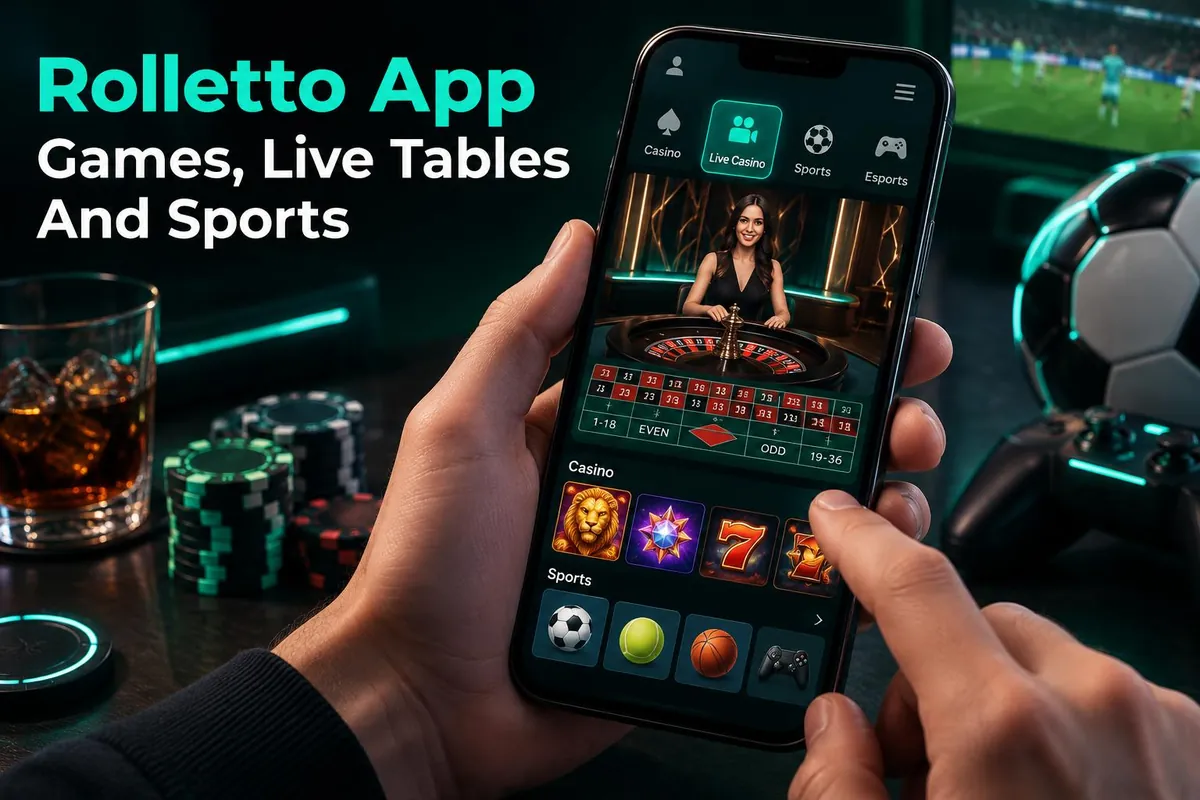
The catalogue holds more than 7,250 casino games from 78 providers, making the mobile search function more useful than scrolling through the entire lobby on a small screen.
Casino games on a small screen
The mobile casino includes slots, roulette, blackjack, baccarat, poker, bingo, jackpots, crash games and other table formats. Providers include Pragmatic Play, Play'n GO, Hacksaw Gaming, Evolution Gaming, NetEnt, Betsoft Gaming, Wazdan, BGaming and Games Global.
Start with a familiar category, then use the title search when you know what you want. Open the information panel before playing to read the paytable, available features and game controls. Portrait mode suits most slots, while landscape mode can help with wider table layouts.
Live casino on mobile
Live tables open from the live casino section without requiring a second account. Select a table that fits your preferred game, check the displayed limits, and use the full-screen control when the dealer view is difficult to read.
A reliable connection matters more for live play than for standard slots. If the picture pauses, wait for the connection to recover before making another decision or leaving the table. Use Wi-Fi where possible to avoid mobile data interruptions during a hand or spin.
Sports and esports from the same login
The account also covers sports and esports, so mobile users do not need separate credentials for those sections. Open the relevant menu item, review the available markets, and check the bet slip before confirming an action.
Keeping casino, live casino, sports and esports under one login is practical when you move between activities during the day. The cashier handles deposits and withdrawals across all sections, and support remains available through live chat and email regardless of which area you use.
| Mobile section | What you access |
|---|---|
| Casino | 7,250+ games from 78 providers including slots, roulette, blackjack and jackpots |
| Live casino | Live dealer tables streamed from studios with real-time interaction |
| Sports | Sports markets under the same account with shared cashier access |
| Esports | Esports markets under the same account with shared cashier access |
Always set a personal budget before playing, and treat each section as entertainment rather than a source of income. Rolletto is for adults aged 18 and over.
Rolletto app payments and cashier for GB
Mobile casino payments should be easy to find and clear to review. At Rolletto, open the account menu, select cashier, choose deposit or withdrawal, and confirm the amount before continuing.
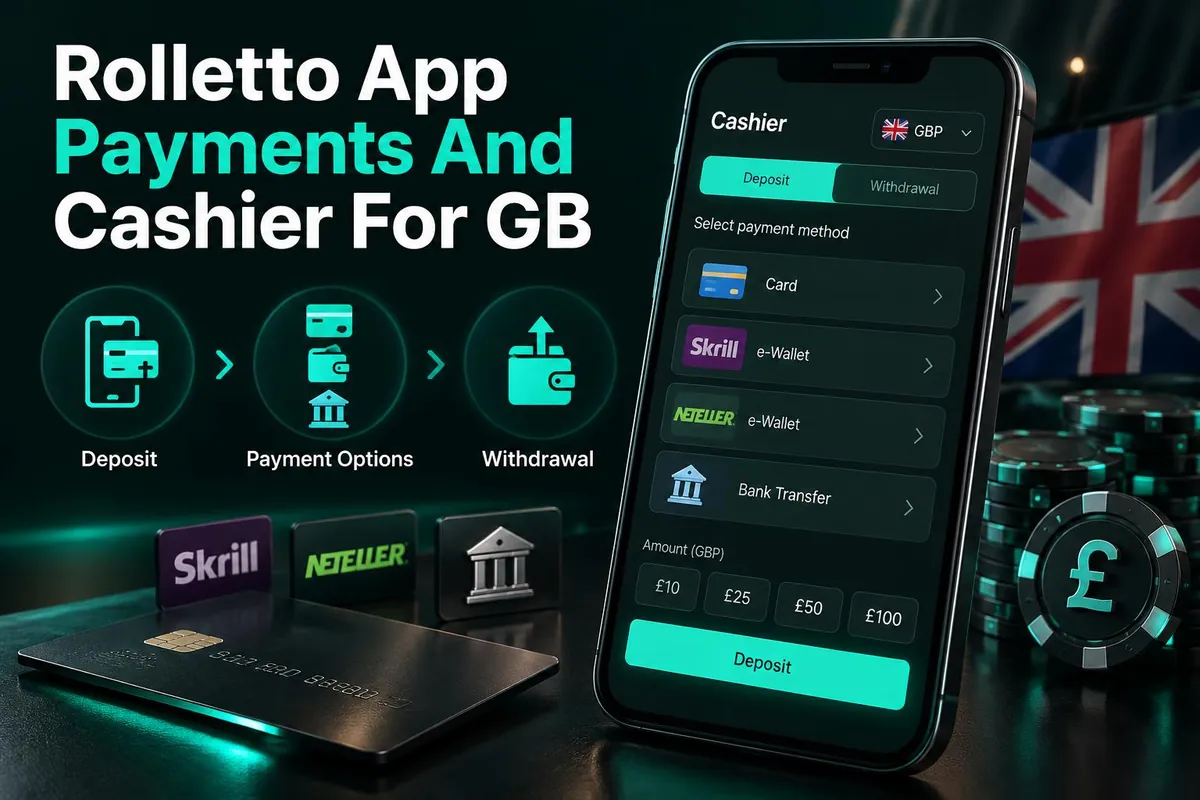
GBP is supported for UK players. The minimum deposit and minimum withdrawal are both £20, so check the amount before submitting a transaction. Weekly withdrawal limits reach £7,500, and monthly limits reach £15,000.
How to deposit on mobile
Sign in, open the cashier, and select the deposit tab. Choose a payment method, enter at least £20, review the displayed currency and details, then authorise the payment through your bank, wallet or provider.
Visa and Mastercard suit players who prefer cards. Skrill, Neteller, MiFinity, Jeton, ecoPayz and Revolut provide e-wallet options, while SEPA transfer offers a bank transfer route. AstroPay, Paysafecard, Neosurf, Interac and PayOp are also available. Supported cryptocurrencies include Bitcoin, Ethereum, Litecoin, Ripple, Dash, Monero, Tether, Bitcoin Cash, USD Coin and Binance USD.
Available UK payment options
The cashier supports cards, e-wallets, bank transfers and cryptocurrencies. Check each option for processing times and any provider fees before selecting your preferred method.
| Cashier detail | Information |
|---|---|
| Currency for UK play | GBP, alongside EUR, USD, CAD, AUD, BRL, MXN and NOK |
| Minimum deposit | £20 |
| Minimum withdrawal | £20 |
| Weekly withdrawal limit | £7,500 |
| Monthly withdrawal limit | £15,000 |
| Withdrawal timing | Up to 3 business days after verification |
How to request a withdrawal
Open the cashier, choose withdrawal, select the available method, and enter at least £20. Check the account details carefully before confirming the request, especially when using a bank transfer or e-wallet.
Withdrawals take up to 3 business days after verification. Complete any requested verification steps promptly, then monitor the transaction from the cashier or account area. For payment questions, support operates 24/7 through live chat and email. See the payments and withdrawal guide for more detail on processing times and verification steps.
Rolletto app speed and everyday mobile play
A smooth mobile session depends on simple navigation rather than an installation process. The browser site keeps the main account features together, allowing you to enter a game, return to the lobby, or open the cashier from the same phone.
For better performance, use a stable Wi-Fi or mobile data connection and close unused browser tabs. A current browser helps pages, game controls and payment screens display correctly without lag or formatting issues.
Practical navigation for one-handed play
Begin with the menu instead of scrolling through the home page. Tap the casino category, use search, and open one game at a time. If a banner covers the controls, close it before selecting a title.
When you finish a game, use the lobby or back control inside the site. This avoids opening several duplicate tabs and makes it easier to keep track of the active session. The search function works well when you know the game title, while category filters help when you want to explore new slots or tables.
Finding the right mobile format
Slots usually fit portrait mode well, while live tables may be easier to read in landscape mode. Use full-screen viewing only when you can still access the controls you need, such as bet adjustment, spin or table options.
For an Android session, Chrome provides a familiar route to the lobby. An iOS session works through Safari or another iOS browser. Both systems use the same browser-based mobile format, so your account, game history and cashier remain consistent across devices.
Support when you need help
If a cashier question or account issue interrupts play, open live chat from the website. Email support is also available, and both support channels operate around the clock. Response times through live chat are typically faster than email for urgent questions.
When contacting support, describe the device, browser, payment method and step where the issue occurred. Avoid sending payment passwords or unnecessary account details in a message. Support can guide you through verification, cashier processes and account settings without requiring sensitive information upfront.
Rolletto app bonuses and responsible play
The mobile site gives access to the same promotions area as the wider account. The casino welcome package is available after registration, a qualifying deposit and activation in the Bonuses section.
The first casino stage is 150% up to £500 plus 200 free spins. The package continues across the first three deposits, with later stages of 50% up to £2,000 and 25% up to £3,000. The combined value can reach £5,500 in bonus funds.
How to activate the welcome package
Create an account, make the qualifying deposit from £20, and open the Bonuses section. Select the relevant offer and activate it before playing, then review the conditions shown there.
The first two casino stages require 40x wagering on the deposit and bonus amount. The third requires 30x wagering. Bonus conditions must be completed within 30 days of activation. Free spins are credited in stages and may carry their own game restrictions and wagering requirements.
Other promotions on mobile
Sports, esports and cryptocurrency promotions are also shown in the promotions area when available for the relevant activity. Open each offer on your phone and read its qualifying deposit and activation requirements before proceeding.
- Sports welcome bonus of 150% up to £1,500.
- Esports welcome bonus of 100% up to £500.
- Crypto welcome bonus of 100% up to £1,000 plus 50 free spins.
- Cashback promotion of 5% after meeting its conditions and requesting it through support.
Each promotion carries its own activation steps, qualifying deposit threshold and wagering requirements. Read the full terms before activating an offer to understand what is required to complete it.
Keep mobile play controlled
Mobile access makes it convenient to play, so set a spending limit before opening a game. Take breaks, avoid chasing losses, and stop when the session no longer feels comfortable.
Rolletto is for adults aged 18 and over. Responsible play means treating casino, sports and esports activity as entertainment, never as guaranteed income. Use deposit limits, session reminders and self-exclusion tools when needed. Read the full casino bonuses information before activating an offer.
Mobile site pros and cons
The browser format covers the main mobile needs while keeping installation and storage requirements low. These are the practical points to weigh before you start.
Advantages
- 7,250+ casino games from 78 providers including Pragmatic Play, Play'n GO and Evolution Gaming
- Casino, live casino, sports and esports share one account and cashier
- GBP is supported for deposits and withdrawals alongside seven other currencies
- Cards, e-wallets, bank transfers and cryptocurrencies are available through the mobile cashier
- The mobile website is optimised for Android and iOS browsers without requiring installation
Limitations
- No downloadable mobile app for users who prefer a dedicated application
- The £20 minimum deposit and withdrawal may feel high for cautious or exploratory sessions
- Withdrawal processing can take up to 3 business days after verification is completed
Frequently asked questions about Rolletto app access
These answers cover access, devices, games, payments and withdrawals for UK mobile players using the browser-based format.
Can I play Rolletto Casino on my phone?
Yes. Open the website in an Android or iOS browser and sign in with your account details. Games, live tables, sports, esports and the cashier work from the mobile screen without requiring a separate download.
Is there a Rolletto app download?
No separate downloadable app or installation file exists. The mobile website is optimised for Android and iOS browsers, so you play directly through your browser without needing app store permissions or device storage.
What devices and browsers can I use?
You can use an Android phone or tablet with Chrome or another Android browser, and an iPhone or iPad with Safari or another iOS browser. Both platforms provide access to the same account, lobby and cashier functions.
How do I deposit on mobile?
Sign in, open the menu, choose cashier, and select the deposit option. Pick a payment method, enter at least £20, review the details, and authorise the transaction with your provider. The deposit appears in your account balance after processing.
Which payment methods can I use in the UK?
The available options include Visa, Mastercard, Skrill, Neteller, MiFinity, Jeton, ecoPayz, Revolut, AstroPay, Paysafecard, Neosurf, Interac, SEPA transfer and PayOp. Supported cryptocurrencies include Bitcoin, Ethereum, Litecoin, Ripple, Dash, Monero, Tether, Bitcoin Cash, USD Coin and Binance USD.
What is the minimum deposit?
The minimum deposit is £20, and GBP is supported alongside EUR, USD, CAD, AUD, BRL, MXN and NOK. The minimum withdrawal is also £20, so review the amount before confirming a cashier request.
How long do withdrawals take?
Withdrawals take up to 3 business days after account verification. Complete any requested verification steps promptly and contact 24/7 live chat or email support if you need help with processing times or documentation.
What games are available on mobile?
The mobile lobby includes more than 7,250 casino games from 78 providers, including slots, roulette, blackjack, baccarat, poker, bingo, jackpots, crash games and table games. Live dealer games, sports and esports are also available through the same account and mobile interface.