
Official mirror · Updated October 2026
Rolletto Casino Login
Sign in to your Rolletto Casino account for instant access to 7,250+ casino games, live dealer tables, sports and esports. One login unlocks the complete platform. GBP deposits and withdrawals from £20, with cards, wallets, bank transfers and crypto.
- GBP supported
- Mobile optimised
- 24/7 support
- 18+
New player?
150% up to £500 + 200 FS
Welcome package · T&Cs apply
How to sign in
Keep your registered username or email and password ready. On a shared device, type details manually and decline browser password saves.
-
01
Open the website
Click the button above to reach Rolletto. Wait for the page to load fully before accessing account controls.
-
02
Select sign in
Choose the login option, not registration. Existing players continue with the account they already have.
-
03
Enter credentials
Type your username or registered email, then your password. Check for extra spaces and capital letters.
-
04
Confirm access
Submit the form and complete any instructions shown. Verify your account area opens before visiting lobby or cashier.
Contents7
Desktop Login Walkthrough
A desktop browser gives you space to review the login form, read account messages and switch between lobby sections. Start with your existing credentials. Keep registration separate from account recovery to avoid creating duplicate accounts while trying to regain access.
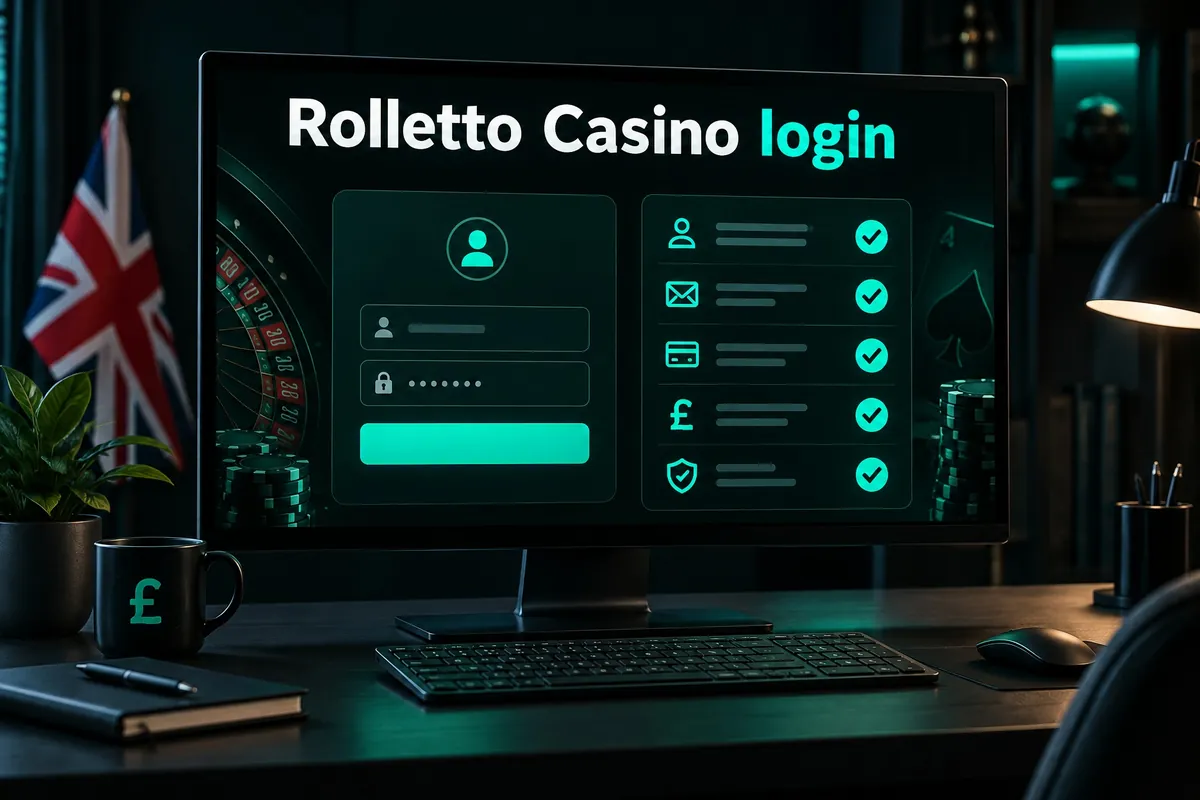
Fill the form correctly
Read the identifier label first, then type the matching username or registered email. Enter your password carefully, watching for capital letters and keyboard language. Password managers sometimes store outdated entries, so inspect autofill suggestions before accepting them.
For a smooth rolletto casino login, submit the completed form once and wait for the response. Multiple clicks make troubleshooting harder because you cannot connect each response to a specific attempt. After access opens, check your account details before making any payment.
Your account connects these sections
The same login brings together several parts of Rolletto. These details help you plan what to do after signing in, especially when your next step involves the cashier or a bonus activation.
| Account feature | Detail |
|---|---|
| Casino catalogue | 7,250+ games from 78 providers |
| Connected sections | Casino, live casino, sports, esports |
| UK currency | GBP supported |
| Minimum deposit | £20 |
| Customer support | Live chat and email, 24/7 |
Once you confirm access, choose your next destination deliberately. Visit the Rolletto Casino homepage for an overview, or open the cashier when you need to manage funds. Logging in does not require you to deposit or start a game immediately.
Mobile Login on Android and iOS
The website is optimised for Android and iOS browsers, so no separate app is required. You can sign in, browse slots, open live tables and use the cashier from your phone. Keep your registered details ready before switching from a computer to mobile.
Sign in through your mobile browser
Open the website in your usual browser and select the account access option. Tap each field directly rather than relying on unexpected autofill. Small screens can hide the end of an email address, so review the full entry before submitting.
For convenient rolletto casino UK login, keep one browser tab open while completing the process. Switching between multiple login tabs can leave you reading an earlier error message. Once the account area appears, navigate from that page to the lobby or cashier.
Handle mobile interruptions methodically
A connection change, incoming call or backgrounded browser can interrupt a page. Return to the active tab and check whether you are still signed in. Before repeating a payment, inspect the cashier and your payment account so an interrupted screen does not prompt an unnecessary second deposit.
Use this sequence when a mobile form stops responding:
- Check that your internet connection is stable
- Close the on-screen keyboard to reveal hidden messages
- Reload a stalled login page before entering details again
- Check saved credentials if the same error returns
For more browser guidance, read our mobile play guide. Keep your phone locked when unattended, avoid saving credentials on borrowed devices and sign out after using a shared screen. Mobile browsers handle sessions differently from desktop, so treat each device as a separate access point.
Password Recovery and Account Access
When a password fails, pause before trying several variations. First check whether the account identifier is correct and whether your browser supplied an outdated password. If you cannot recall the right details, use account recovery rather than starting another registration.
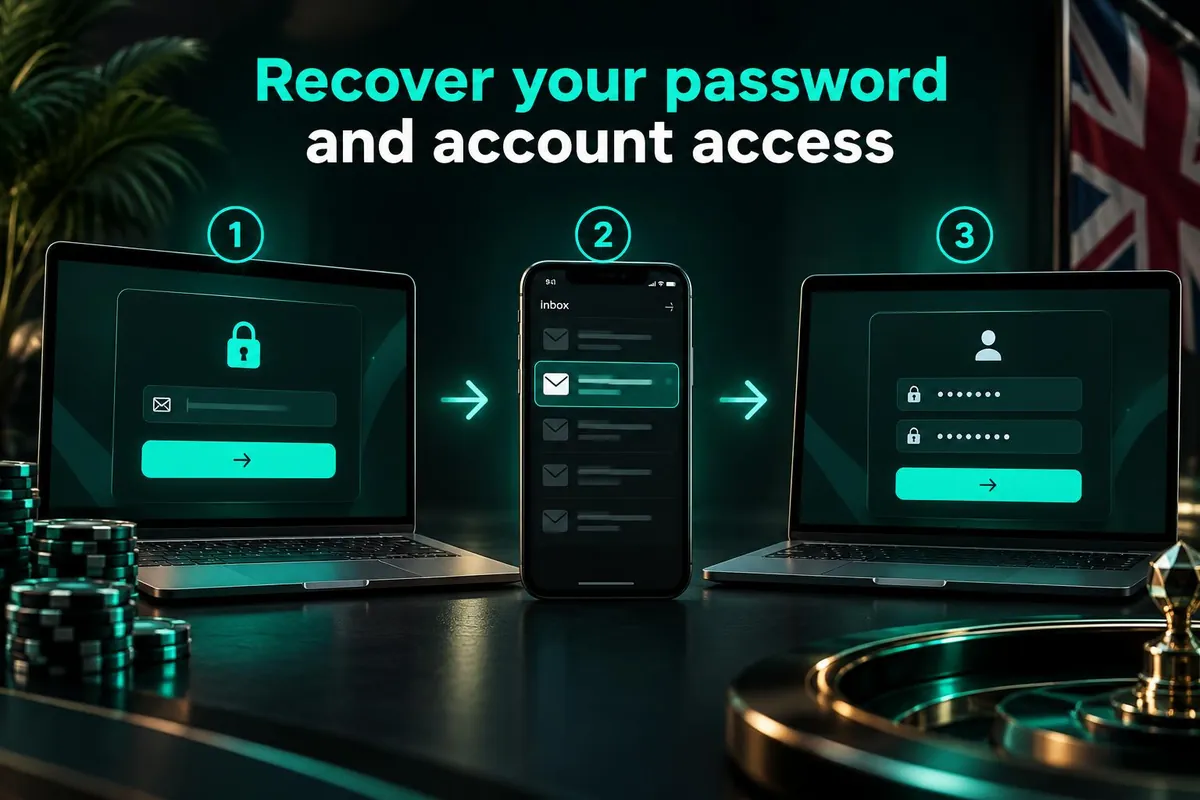
Work through password recovery step by step
Open the sign in area and follow the password recovery instructions. Use the email connected with your account and check spelling before submitting. Keep the recovery page open while checking your inbox, including spam and filtered folders.
Follow the instructions in the recovery message and choose a password you do not use elsewhere. Avoid making repeated requests while working through an earlier message. After changing the password, update your saved browser entry so the old one does not reappear on your next visit.
Resolve incorrect details and missing email access
If the details are rejected again, enter the identifier and new password manually. Remove leading or trailing spaces, check capital letters and confirm that your keyboard has not changed language. A carefully checked attempt is more useful than cycling through several remembered passwords.
If you cannot access your registered email, contact our 24/7 live chat or email support. Describe the problem and ask for the account recovery procedure. Never send your password or complete payment card details in a support message.
Keep recovery separate from identity verification for payments. Changing a password addresses access to the account; withdrawal processing follows account verification. Tell support which task you need help with so the conversation starts with the right issue.
One Account for Casino and Sports
Rolletto combines casino games, live casino, sports and esports within one account. You do not need to treat each section as a separate registration. After signing in, choose the area you want and check relevant game rules or promotion terms before committing funds.
Move from login to the lobby
The casino catalogue contains 7,250+ games from 78 providers. Formats include slots, roulette, blackjack, baccarat, poker, bingo, jackpots and crash games. Providers include Pragmatic Play, Play'n GO, Hacksaw Gaming, Blueprint Gaming and Evolution Gaming, giving you several starting points when browsing.
For returning players, rolletto casino online login is the entry point to these connected sections. A successful sign in confirms account access, while each game has its own rules. Read those rules before playing, especially when switching between slots and live dealer tables.
Understand bonuses before moving between sections
The casino welcome package starts with 150% up to £500 plus 200 free spins. To claim it, register, make a qualifying deposit from £20 and activate the offer in Bonuses. Do this before playing if you intend to use the promotion.
The package continues across three deposits, with later stages of 50% up to £2,000 and 25% up to £3,000. The first two stages require 40x wagering on deposit and bonus amounts. The third requires 30x wagering, and conditions must be completed within 30 days of activation.
Sports and esports have their own welcome offers, so read the selected promotion rather than applying casino terms to every section. Our casino bonuses guide explains the casino package in detail. Set a spending limit before entering any section and keep gambling within an affordable entertainment budget. Players must be 18 or over.
GBP Cashier and Payment Methods
Signing in brings you to the account controls used for deposits and withdrawal requests. GBP is supported for both, which helps British players keep amounts in pounds. Before confirming a transaction, read the currency, amount and method shown in the cashier rather than relying on memory.
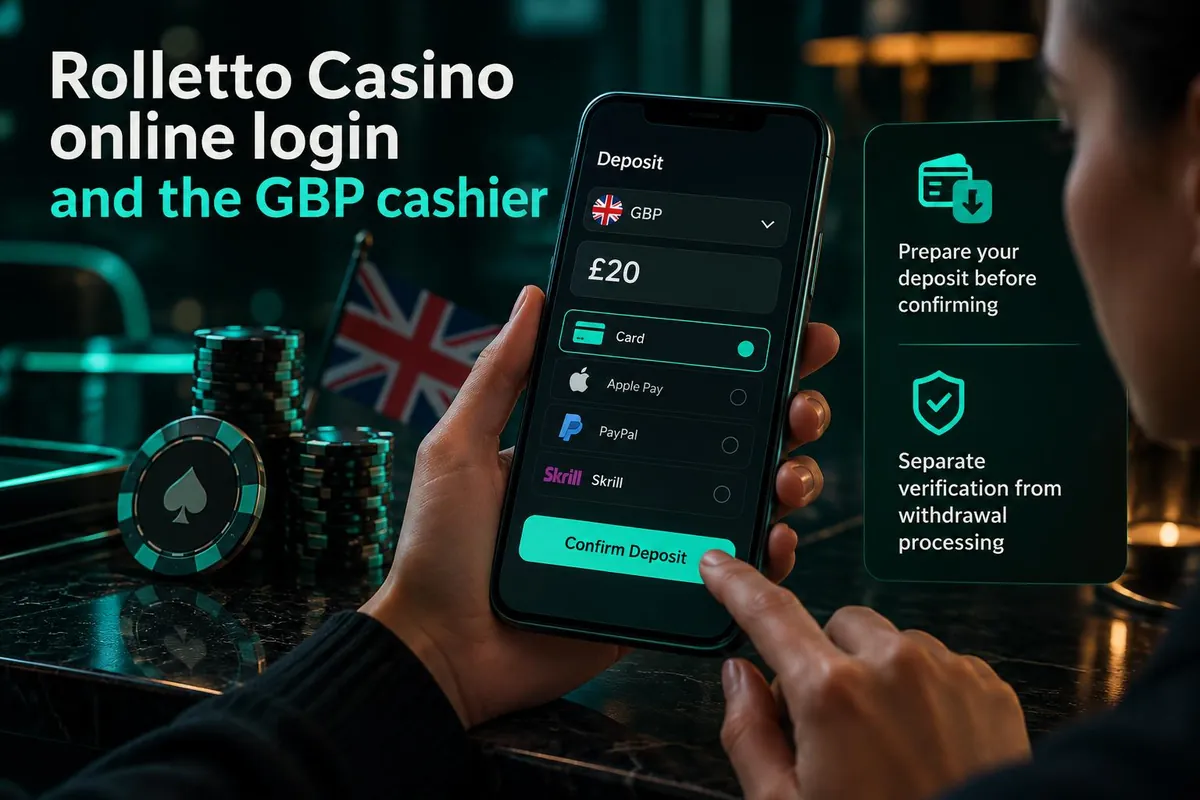
Prepare your deposit before confirming
The minimum deposit is £20. A planned £20 session starts with checking that the cashier displays GBP and the intended payment amount. If you want a welcome offer, complete the qualifying deposit and activate your selection in Bonuses before starting play.
Payment choices cover cards, wallets, bank transfer and cryptocurrencies. Use this overview to identify the category you intend to use before entering payment details:
| Payment category | Supported methods |
|---|---|
| Cards | Visa, Mastercard |
| Wallets | Skrill, Neteller, Revolut |
| Bank transfer | SEPA transfer |
| Cryptocurrencies | Bitcoin, Ethereum, Litecoin, Tether, others |
For cryptocurrency payments, check the asset and payment instructions carefully. Keep your account currency distinct from the currency used to fund a transaction. This matters when your usual spending budget is measured in GBP but you fund with crypto.
Separate verification from withdrawal processing
Successful login and account verification serve different purposes. Access lets you manage the account; verification precedes withdrawal processing. Follow the verification instructions in your account and use support if you need help understanding a requested step.
Withdrawals take up to three business days after verification. The minimum withdrawal is £20, with limits of £7,500 per week and £15,000 per month. Plan around business days rather than counting every calendar day. Retain the request details when asking support about progress. For more on withdrawal timings and limits, visit our payments guide.
Common Login Problems
Identify where the problem occurs before changing anything. A page that will not load, rejected credentials and an interrupted cashier session need different checks. Start with the smallest relevant action, then contact support with a clear account of what happened if the issue continues.
Check the browser and connection
If the page stalls, check your connection and reload once. Close duplicate login tabs and temporarily disable browser extensions that interfere with page controls. If necessary, try another current browser to establish whether the problem follows the browser or the account.
Clearing site cookies can remove an existing session, so have your details ready first. Avoid doing this halfway through a payment. Inspect the cashier and payment account before attempting the transaction again, particularly when the previous screen stopped responding after submission.
Contact support with useful details
Our live chat and email support operate 24/7. Give the error wording, device type, browser and the step that failed. For Google sign-in questions, ask support for guidance on the account access route. Keep your existing account details ready without sharing your password.
For secure account access, sign out on shared devices and keep recovery messages private. Set time and spending boundaries before playing, and take a break when gambling stops feeling manageable. Responsible gambling resources are available through support and your account settings.
Frequently Asked Questions
These answers cover the main access and cashier questions for British players in 2026.
How do I sign in to Rolletto Casino?
Open the website, select the sign in option and enter the account details requested by the form. Once access opens, you can move between casino, live casino, sports and esports through one account.
What should I do if I forget my password?
Follow the password recovery instructions from the sign in area using your registered email. Check filtered email folders and contact 24/7 support if you cannot access that inbox. Never share your password with support.
Who can help with Google sign-in?
Contact live chat or email support for guidance about Google sign-in and your account access route. Both support channels operate 24/7. Do not send your Google password or casino password in any message.
Can I complete Rolletto Casino UK login on my phone?
Yes, the website is optimised for Android and iOS browsers, with no separate application required. Games, live tables and the cashier work from the mobile website. Sign out after using shared devices.
What is the minimum deposit in GBP?
The minimum deposit is £20, and GBP is supported for deposits and withdrawals. For the casino welcome offer, register, make the qualifying deposit and activate the offer in Bonuses before playing.
Which payment methods does the cashier support?
Options include Visa, Mastercard, Skrill, Neteller, Revolut and SEPA bank transfer. Supported cryptocurrencies include Bitcoin, Ethereum, Litecoin and Tether, alongside other payment choices. Check the cashier for the complete list.
How long does a withdrawal take after verification?
Withdrawal processing takes up to three business days after account verification. The minimum withdrawal is £20, with limits of £7,500 per week and £15,000 per month. Plan around business days, not calendar days.
How do I get help with account access?
Use live chat or email support, available 24/7. Describe the error and include your device and browser details so the team can focus on the failed step. Keep your password private during any support conversation.